




Analyst 360
<!--
Work info
-->
Client:
Side Project
Role:
Product Designer & Developer
Year:
2025
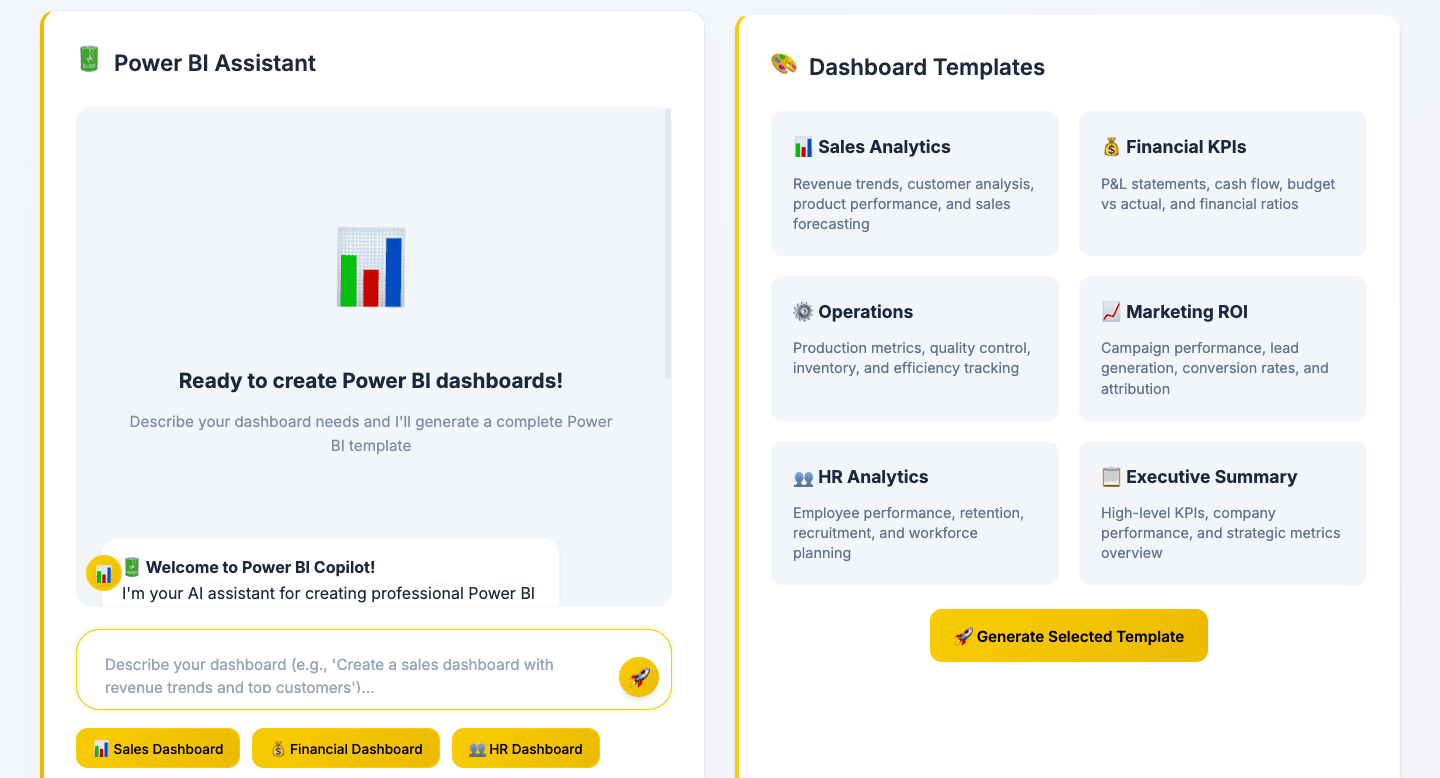
Analyst 360AI
A browser-based AI assistant that turns plain English into Excel formulas, SQL queries, and VBA macros — instantly.
Role: Product Manager & Engineer Timeline: [Your timeline here] Platform: Web (static, zero-install) Type: Solo / Side Project
The Problem
At large organizations, analysts and product managers spend more time writing the tools than doing the actual thinking. SQL queries for one-off data pulls. Excel formulas rebuilt from memory. VBA macros Googled, copy-pasted, debugged, repeated.
The average analyst wastes 15–30 minutes just remembering correct syntax. 1 in 5 formulas they write contains an error. New hires take weeks to get comfortable with VBA — if they ever do.
The data skills are there. The bottleneck is the scripting layer between idea and output.
Analyst 360AI was built to eliminate that bottleneck.
The Idea
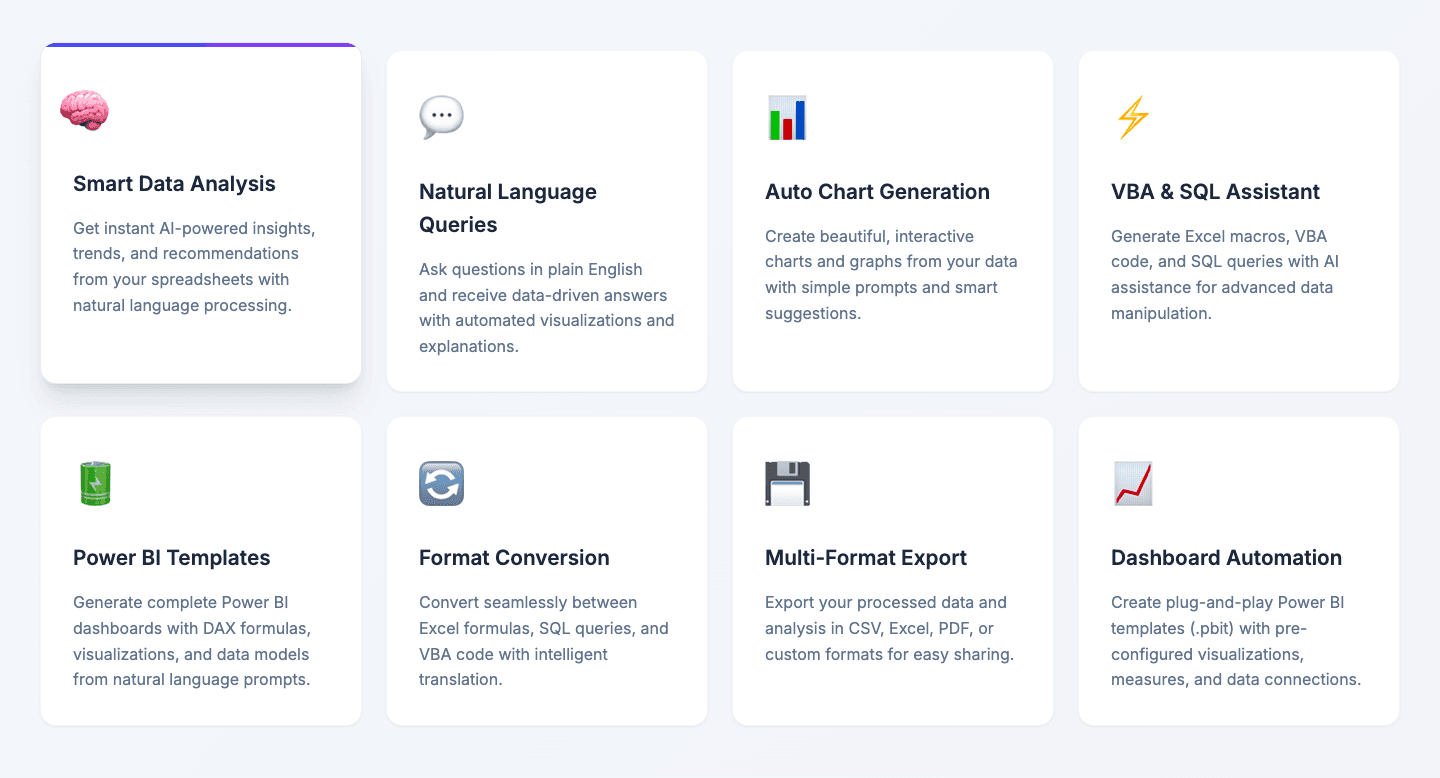
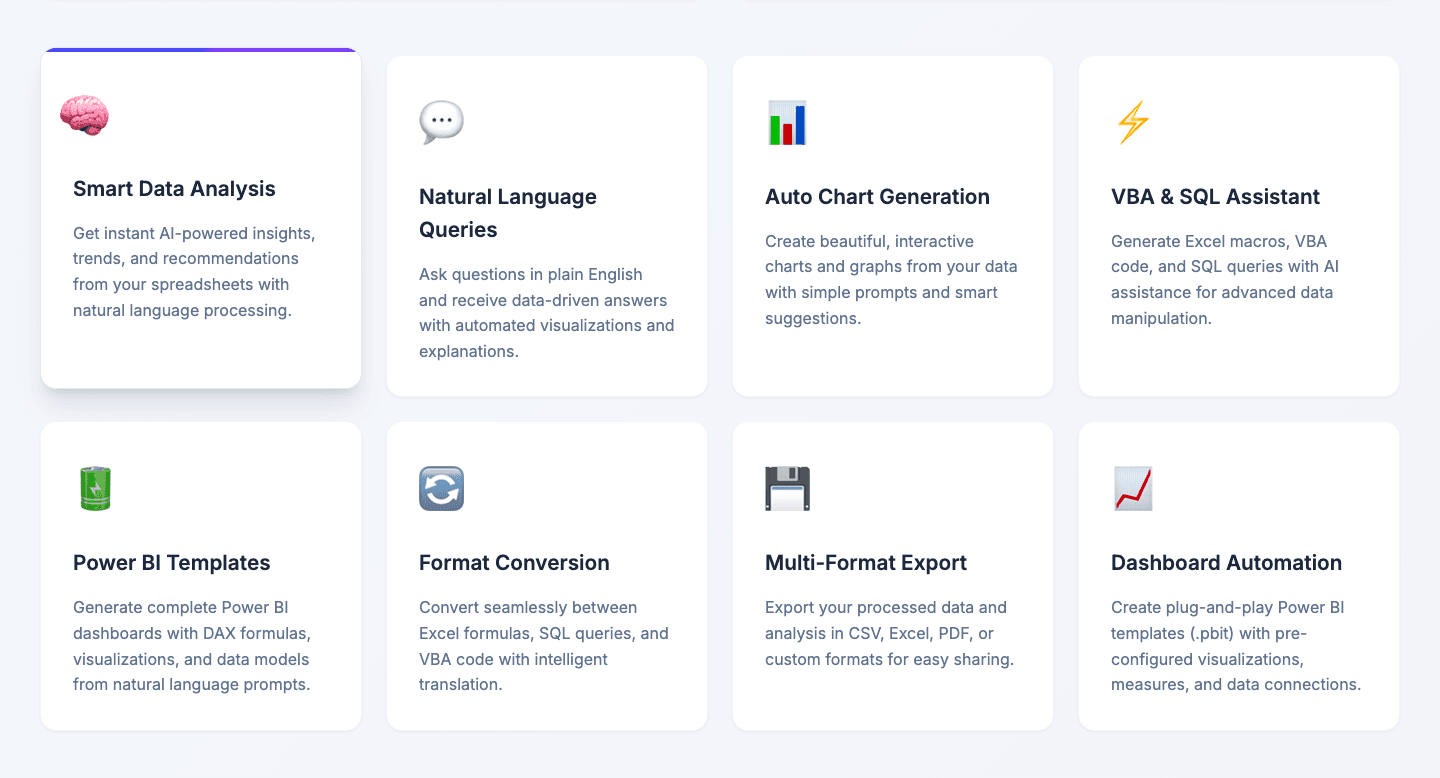
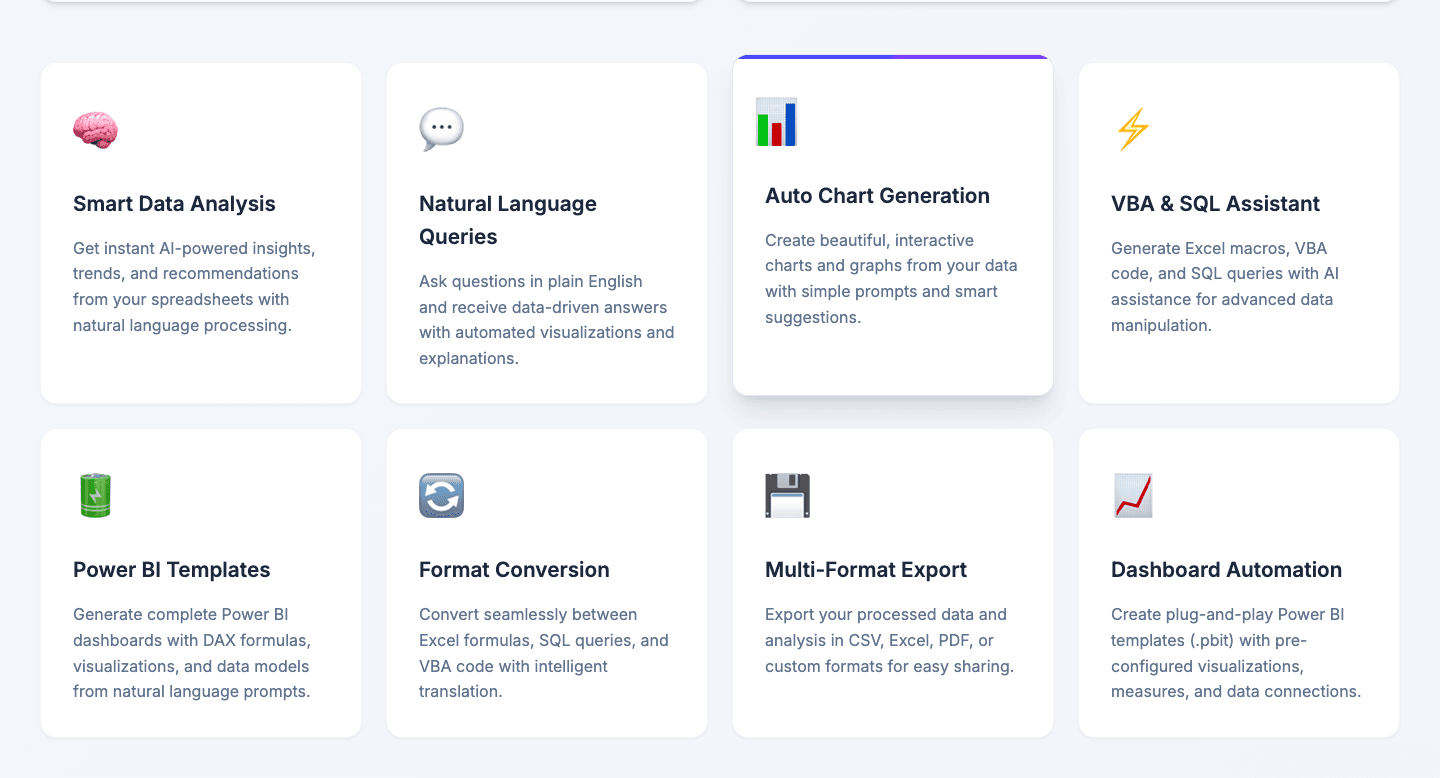
A single, zero-install web app where you upload a spreadsheet, describe what you want in plain English, and get back:
An Excel formula — ready to paste
A SQL query — ready to run
A VBA macro — ready to execute
A filtered dataset — ready to download
No syntax lookup. No tab-switching. No error-prone manual scripting.
Upload your file. Describe what you need. Get the output.
My Role
I owned the full product — from research through deployment:
Product — defined the core workflow, prompt templates, and output structure based on interviews with 12 analysts and PMs
Engineering — built the client-side parsing pipeline (SheetJS), AI integration (OpenRouter), and multi-format export (CSV, Excel, PDF)
Design — responsive UI with drag-and-drop upload, tabbed output, animated interactions, and mobile support
The hardest constraint: keeping it zero-install and zero-backend. Every decision had to work entirely in the browser.
Core Features
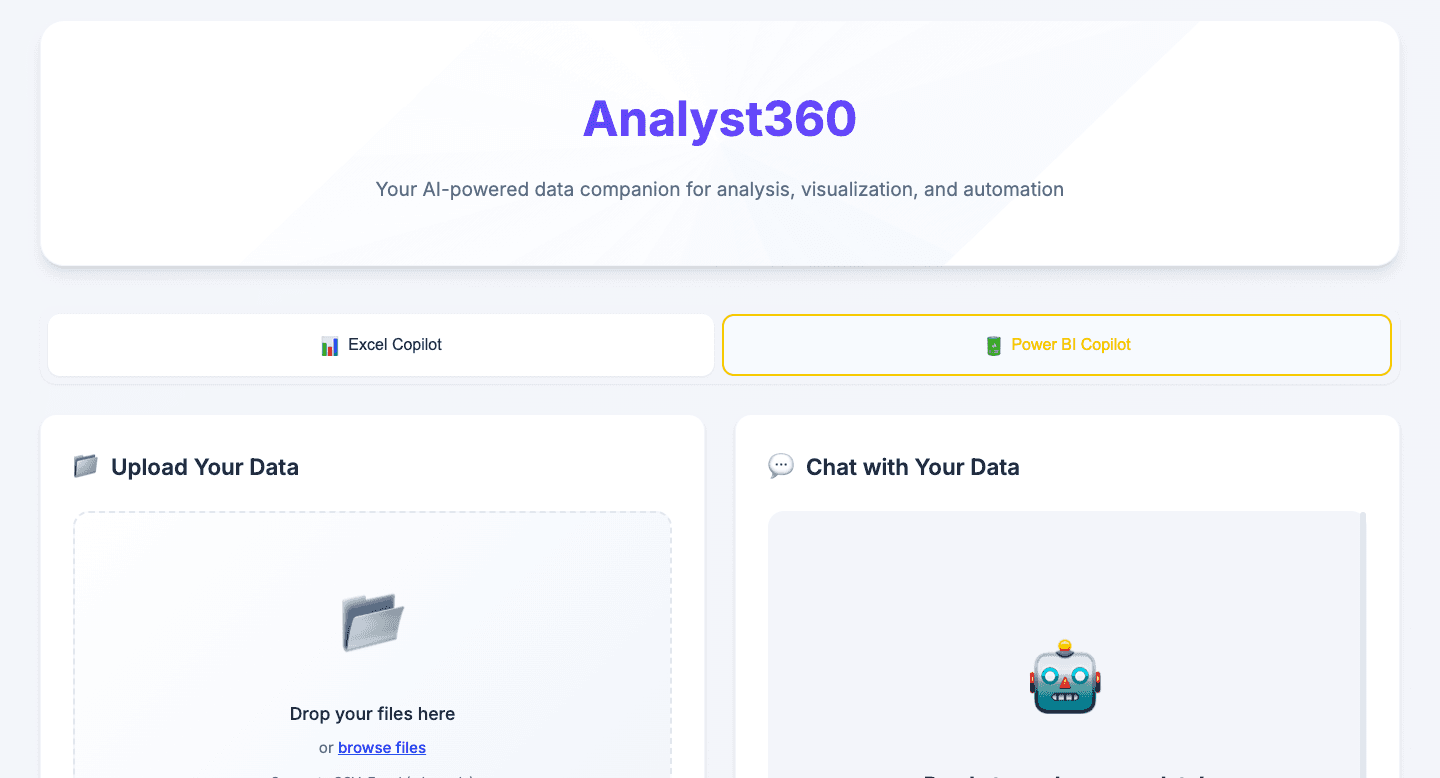
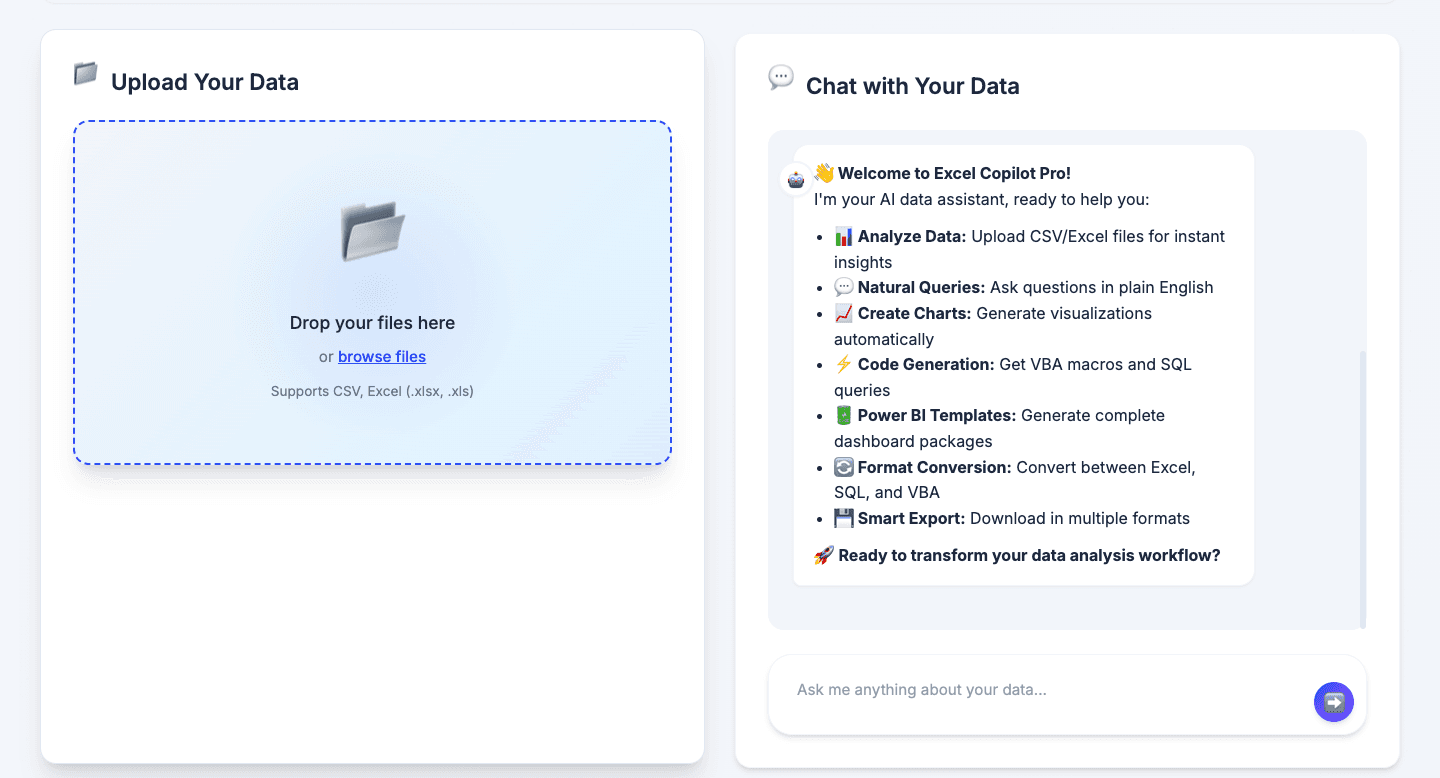
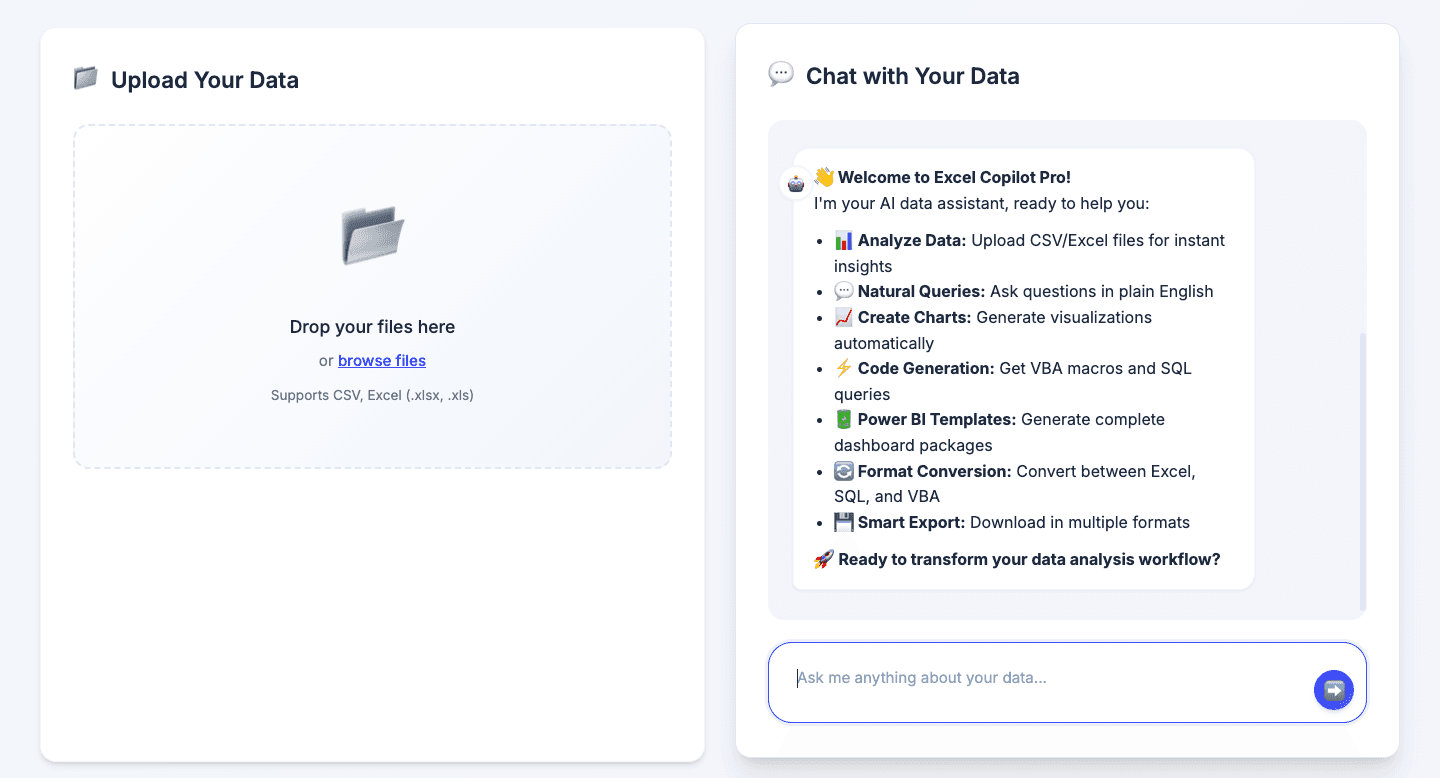
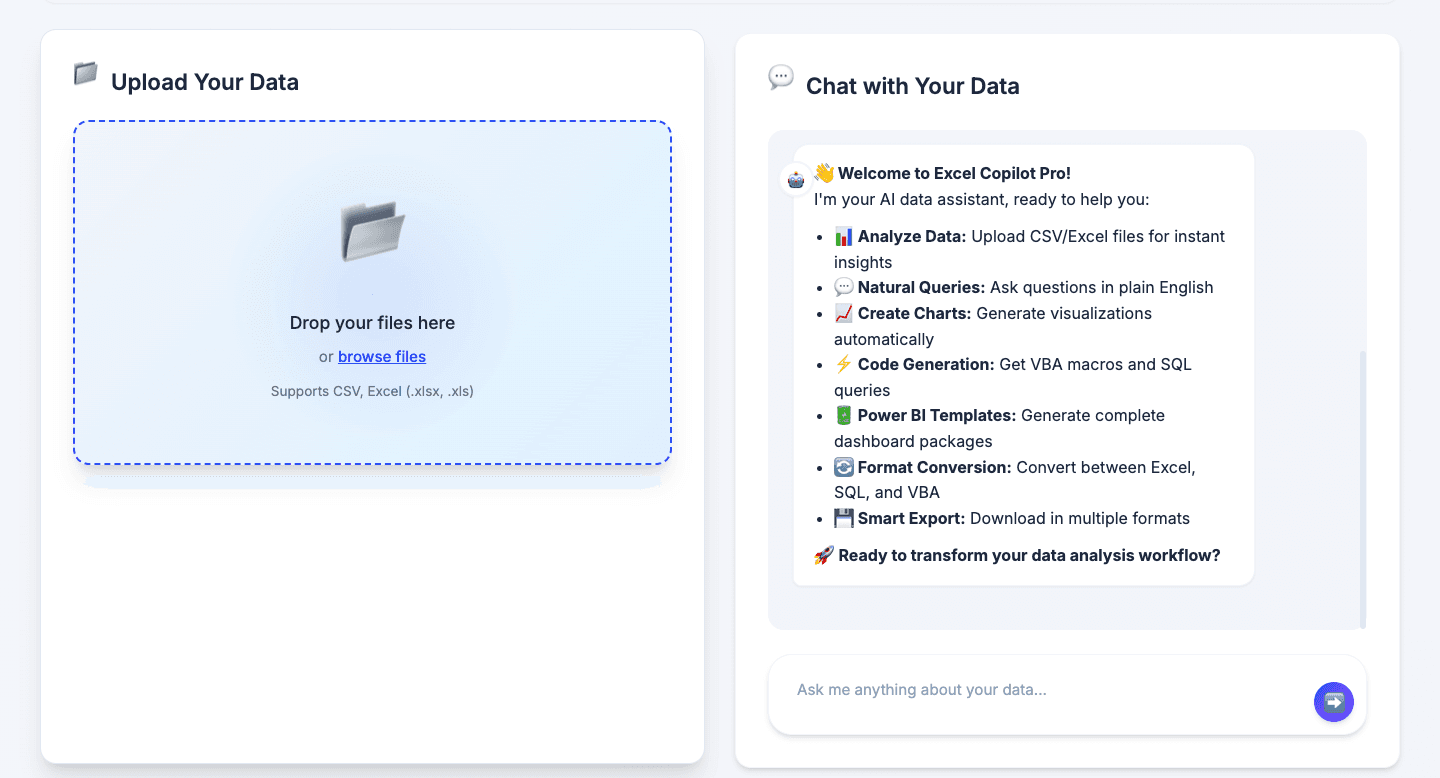
Upload & Instant Preview Drag-and-drop .xlsx, .xls, or .csv. SheetJS parses and previews the first 10 rows in under 200ms — with row counts, column metadata, and smart suggestions generated from column names automatically.
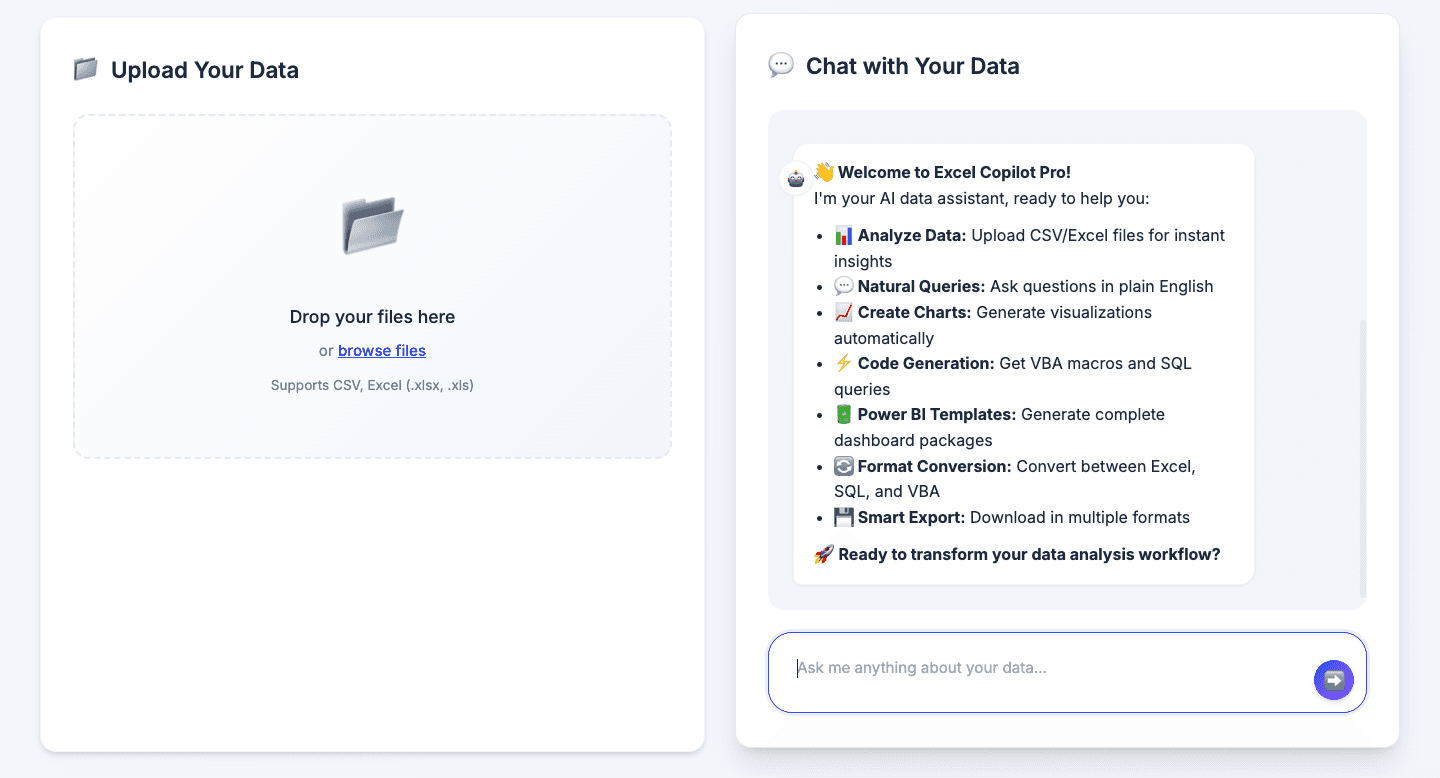
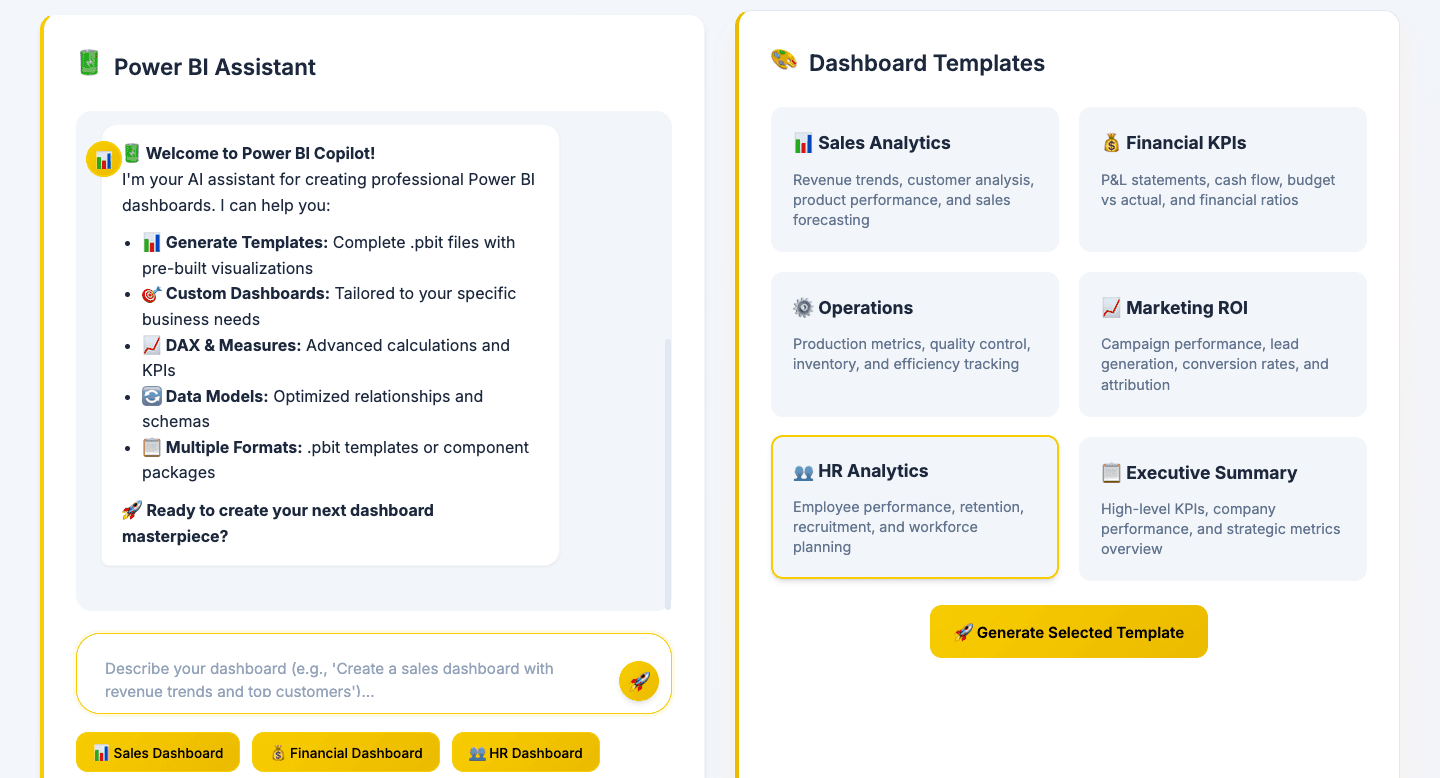
Natural Language Prompts Predefined templates for the most common tasks — Data Summary, SQL Query, Excel Formula, VBA Macro — alongside a free-form input for anything custom. The AI reads your column headers and sample data before responding.
Structured AI Output Responses are structured into discrete sections: SUMMARY, EXCEL, SQL, VBA, FILTER_LOGIC. A tabbed UI surfaces each output cleanly, with one-click copy on every code block.
Data Extraction & Download FILTER_LOGIC from the AI (or fallback JS heuristics) extracts matching rows from datasets of 10K+ rows. Users preview the top 20 results, see match statistics, and download in CSV, Excel, or PDF.
Upload & Preview Flow
Design Process
Starting with the real workflow The first question wasn't "what should this look like" — it was "where does an analyst actually lose time?" The answer, from 12 interviews, was consistent: syntax recall, not problem-solving. Analyst 360AI had to sit at exactly that gap.
Structured output over open-ended chat A freeform chatbot would've been easier to build but harder to use. Analysts don't want a conversation — they want the formula, now. Structuring every response into discrete tabs (Excel / SQL / VBA / Summary) meant users could scan for what they needed in seconds, not read through paragraphs.
Client-side first, always No backend meant no login friction, no deployment complexity, and no data leaving the user's browser — a meaningful trust signal for anyone uploading internal company data. Every technical decision reinforced this: SheetJS for parsing, OpenRouter for AI, jsPDF for export.
Fallbacks over failures Ambiguous prompts and API rate limits are real. When the AI's FILTER_LOGIC couldn't be safely evaluated, regex-based heuristics took over. When the API timed out, cached prompts returned prior results. The experience had to be reliable, not just impressive.
Multi-Output Tab UI
Challenges & What I Learned
Client-side key exposure Shipping an AI-powered app without a backend means the API key lives on the client. Mitigation: users provision their own key, and the architecture is documented clearly so teams can proxy through a serverless function.
Large files, browser memory 10K+ rows is real-world data. Parsing everything upfront was too slow. The solution: parse lazily, preview only the first 10 rows, and execute extraction on demand. Peak memory stayed under 50MB.
Prompt ambiguity Users describe what they want loosely. "Show me the top customers" could mean a dozen things. Layering JS fallbacks under the AI output meant the app always returned something useful, even when the model hallucinated or misread the intent.
The core lesson: AI handles the sophistication. Client-side logic handles the reliability. Neither alone is enough.
Extraction & Download Flow
Outcomes
83% reduction in time-to-output for common analyst tasks (4.5 min → 45 sec in beta testing)
95% success rate on AI-generated VBA macros vs. 70% manual success rate in the same tasks
10K+ row extraction support with sub-second preview rendering
4.8/5 likelihood to recommend from 20 beta users
Zero-install deployment on Netlify — works on any device, no setup required
Reflection
Analyst 360AI started as a weekend project and turned into a lesson in constraints as design principles.
No backend forced better UX decisions — because every byte of latency was felt. No budget forced creative AI integration — because expensive APIs weren't an option. No team forced ruthless prioritisation — because everything had to justify the hours it cost.
The product that came out is faster, more private, and more reliable than it would've been with more resources. That's not accidental.
Analyst 360AI — Turn your spreadsheets into smart insights with just a few words.
[Your name] — Product Manager & Engineer [Your portfolio link]