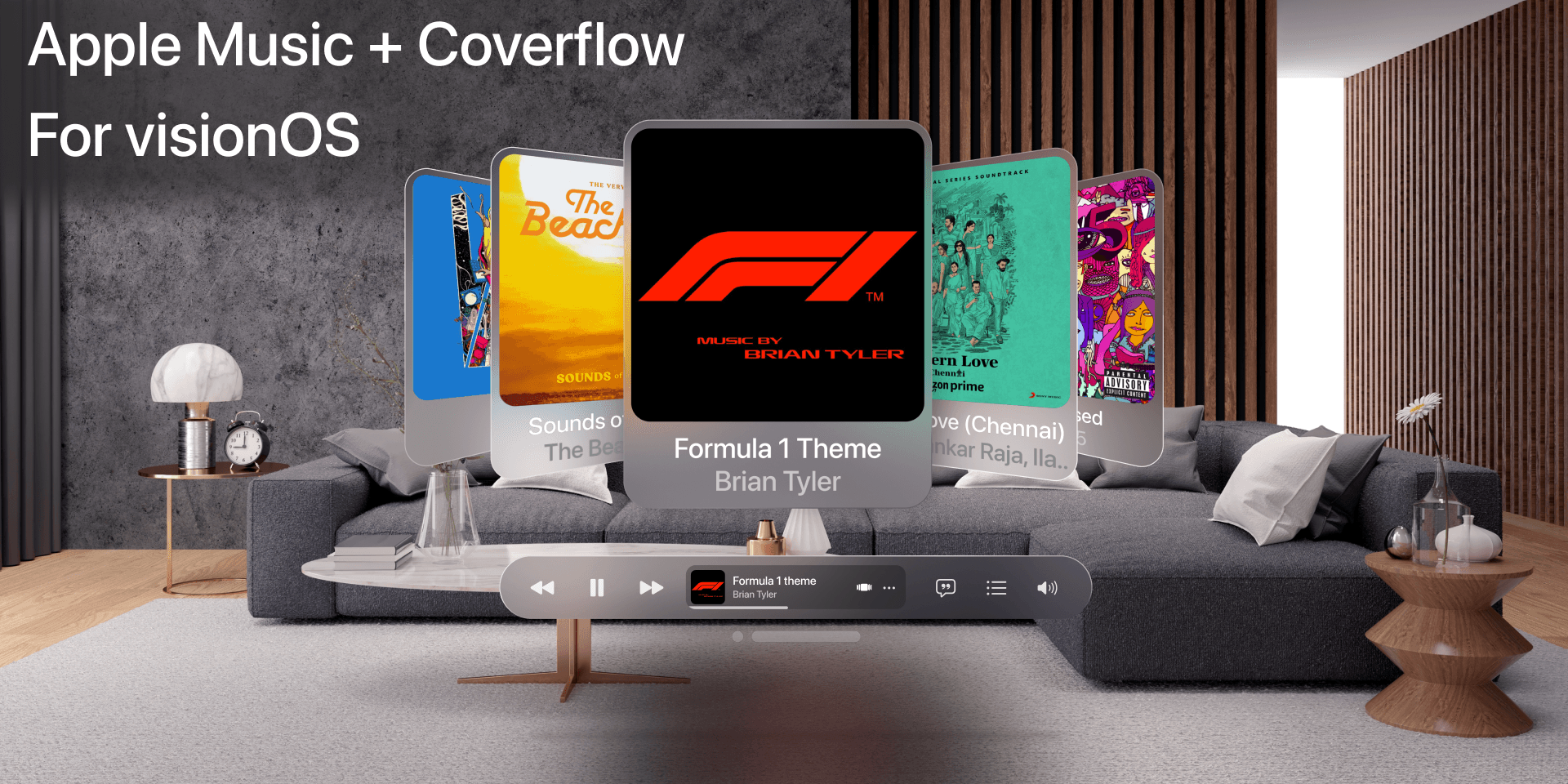
🎵 Case Study: Designing Apple Music + Coverflow for visionOS
Overview
This project explores how Apple Music could be reimagined for visionOS (Apple’s spatial computing platform). The goal was to design an immersive, intuitive, and visually compelling music browsing experience while staying consistent with Apple’s design language.
I chose to combine Apple Music’s familiar UI with a modernized Coverflow interaction, adapted for mixed reality.
Problem Statement
Traditional music browsing interfaces on mobile and desktop are limited by flat, 2D layouts. With the introduction of visionOS and immersive environments, there’s an opportunity to:
Make music exploration more spatial and engaging.
Preserve familiar patterns (sidebar, search, playlists) so users don’t feel lost.
Introduce Coverflow-style browsing in 3D space for a nostalgic yet modern experience.
Design Goals
Immersion – Leverage glass-like UI and spatial layering.
Familiarity – Keep Apple Music’s core navigation (Library, Playlists, Albums, etc.).
Scalability – Support both flat panel browsing and interactive 3D Coverflow.
Clarity – Maintain readability and accessibility in mixed-reality environments.
Process
1. Research & Inspiration
Studied Apple’s Human Interface Guidelines for visionOS.
Analyzed Apple Music’s iOS and macOS layouts.
Looked into past Coverflow implementations for inspiration.
2. Wireframing
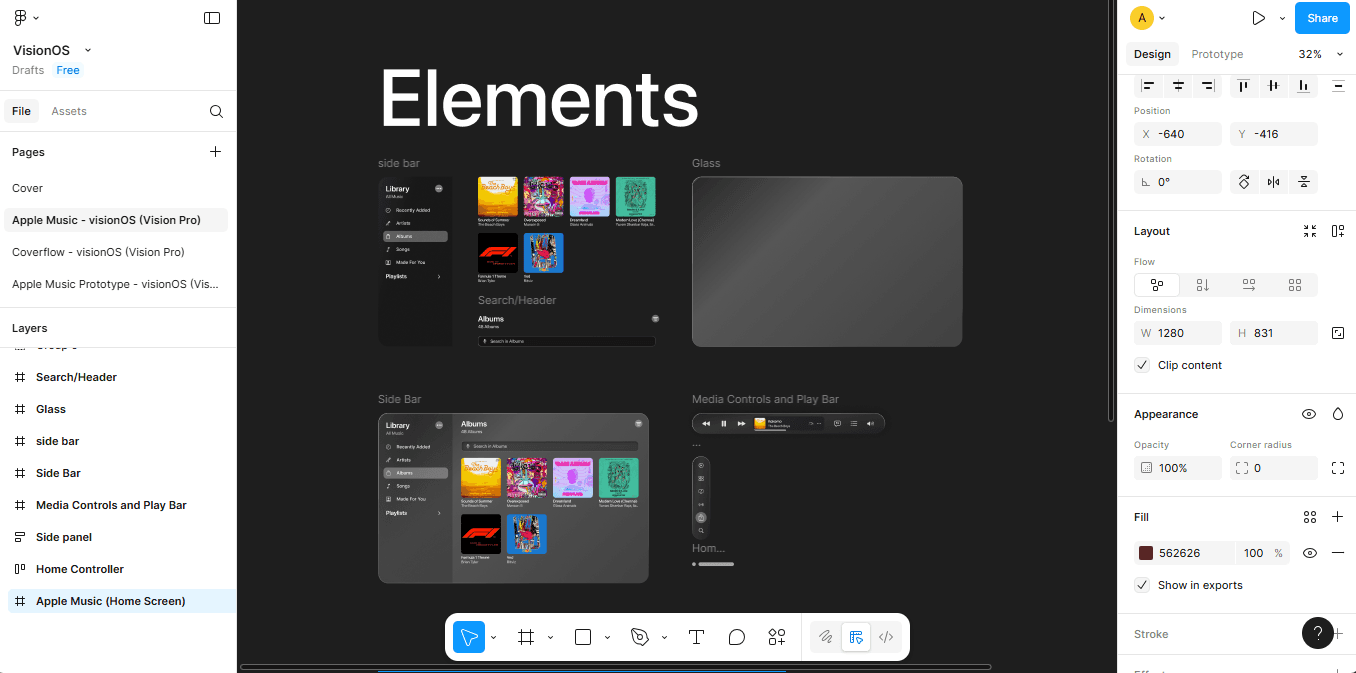
In Figma, I broke down the design into reusable UI elements:
Side Bar for navigation.
Search/Header bar.
Glass Panels with translucency to blend with background environments.
Media Controls & Play Bar anchored at the bottom.
3. High-Fidelity Mockups
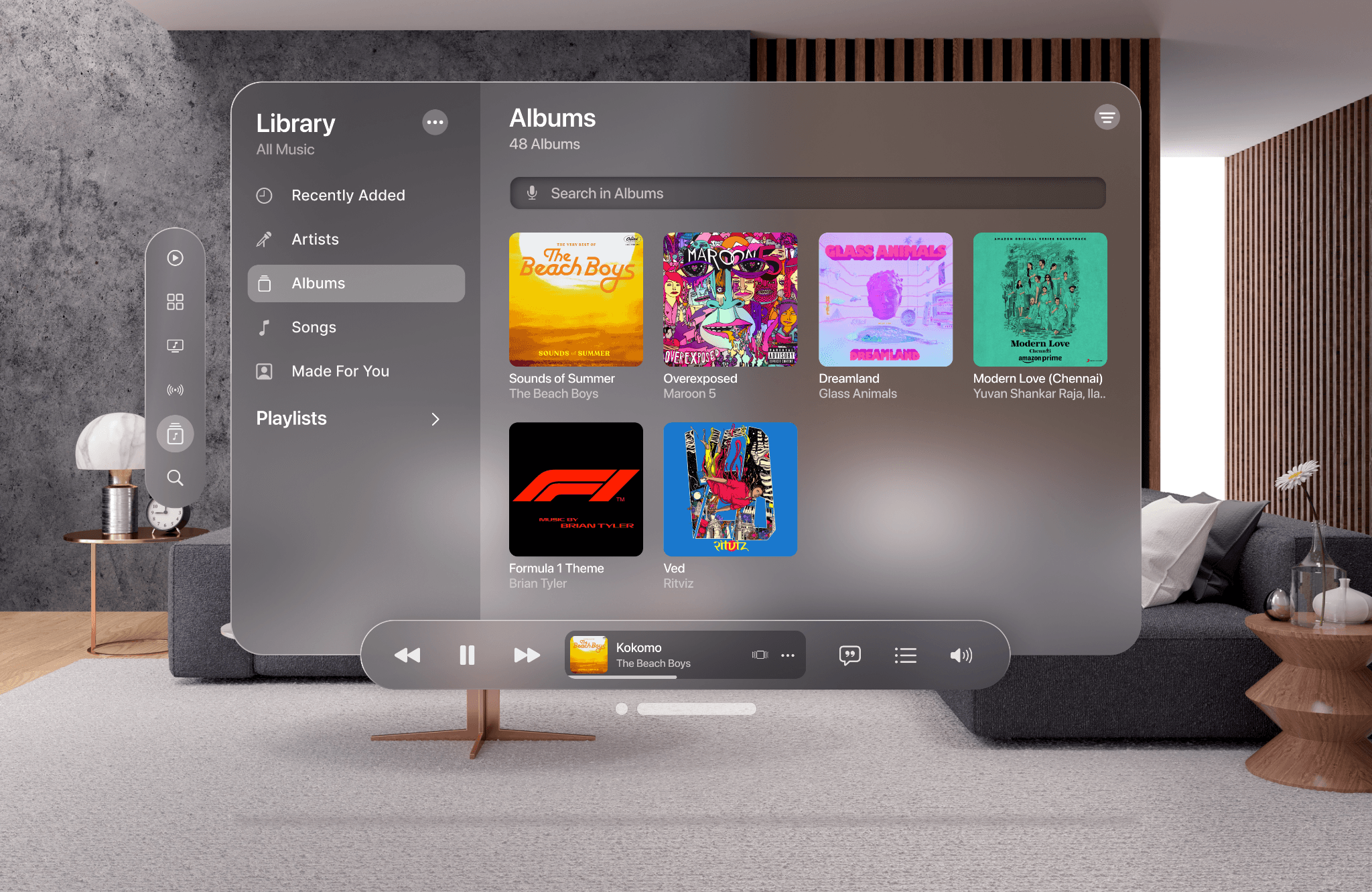
I applied visionOS styling principles:
Rounded glass surfaces with blurred transparency.
Subtle shadows and depth effects.
Minimalistic icons aligned with Apple’s SF Symbols.
4. Coverflow Concept
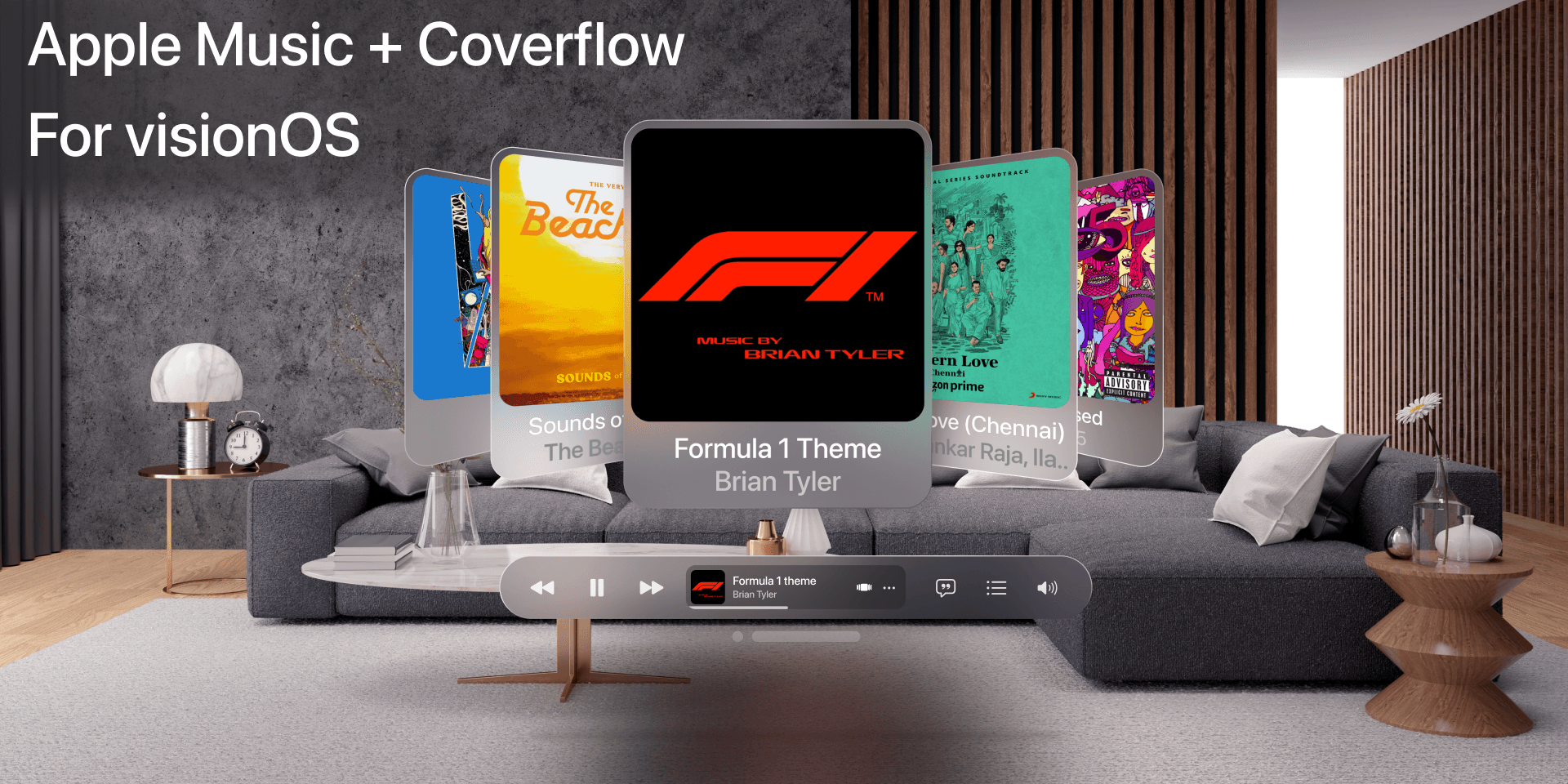
To make music browsing more playful, I designed a 3D Coverflow interaction:
Albums appear in a carousel in front of the user.
The selected album is enlarged in the center.
Background albums tilt and fade for depth.
Challenges
Balance between familiarity and novelty: Keeping the design close to Apple Music while making it spatially immersive.
Readability in 3D environments: Ensuring text and album covers remained clear against real-world backdrops.
Component consistency in Figma: Setting up reusable elements (sidebar, glass panels, play bar).
Final Outcome
The final design demonstrates how Apple Music could look and feel on visionOS:
A glass-based UI that floats naturally in real-world spaces.
A functional sidebar and search for structured browsing.
A 3D Coverflow mode that makes album exploration fun and nostalgic.
Learnings
Designing for spatial UIs requires thinking beyond screens—placement, depth, and blending with environments matter as much as layout.
Figma prototyping can effectively simulate spatial experiences by layering elements and adding blur/glass effects.
Consistency with Apple’s ecosystem is key to user adoption.
Next Steps
Create interactive Figma prototypes with transitions.
Explore how gesture controls and eye tracking could enhance navigation.
Test the UI in AR/VR prototyping tools to refine usability.
✅ Takeaway: This project was an exciting dive into designing for the future of spatial computing. By merging familiar Apple Music navigation with a revived Coverflow experience, I aimed to make music browsing both immersive and delightful in visionOS.